
Whop Payments for WHMCS
Whop Payments for WHMCS is a payment gateway that lets your customers pay their invoices through Whop, a payments platform separate from WHMCS. Your billing keeps running in WHMCS exactly as it does today: your invoices, your tax rules, and your customer records never move.
How a payment flows
WHMCS creates an invoice
          |
Customer pays through Whop
          |
The module verifies the payment with Whop
          |
WHMCS records it and runs its normal billing
For example, a $49 hosting invoice is created in WHMCS. The customer pays through Whop. The module checks that payment directly with Whop, not just the confirmation the customer's browser reports. WHMCS then marks the invoice paid and continues its normal reminders, retries, and provisioning.
Two payment choices, one connection
| Whop Payments | Whop Checkout | |
|---|---|---|
| Customer experience | A card form inside the invoice page | Whop's own embedded checkout |
| Payment methods | Cards only | Cards plus whatever Whop enables for the business (use test cards for Sandbox validation) |
| Save a card | Yes, once Whop confirms the card can be reused | No |
| Automatic renewals | Yes, WHMCS charges the saved card automatically | No, each payment needs the customer present |
| Apple Pay and Google Pay | Not offered | Yes, on a public HTTPS site, when the buyer's browser and the business are eligible |
| Local currency | Always the invoice's own currency | Optional, off by default |
Both gateways share one connection to Whop. Activate Whop Payments first to set that connection up. Activating Whop Checkout afterward adds the second payment choice on top of it. Neither needs a separate companion addon or a Whop subscription for every hosting product.
What stays where
| Stays in WHMCS | Whop does |
|---|---|
| Invoices, tax, and credits | Collects the payment |
| Reminders and retries | Holds the balance |
| Suspension and provisioning | Pays you out |
WHMCS still owns the invoice from start to finish. Whop's job is narrow: take the payment, hold it until it settles, and send it to your bank when you withdraw.
What it costs
The plugin itself is free. Whop's own processing fees still apply to every payment, the same as with any Whop business (the account that actually receives your customers' money). When you create that Whop business through this plugin's setup, Whop pays a partner commission, a share of its own revenue, to the plugin's developer. That is what funds the plugin, not a fee added to your WHMCS invoices. There is no per-invoice charge from the plugin itself.
Choose your starting point
- Install it: Install the module
- Switch from another gateway: Switch from another gateway
- See what it does: The two gateways side by side
- Get help: Troubleshooting and support
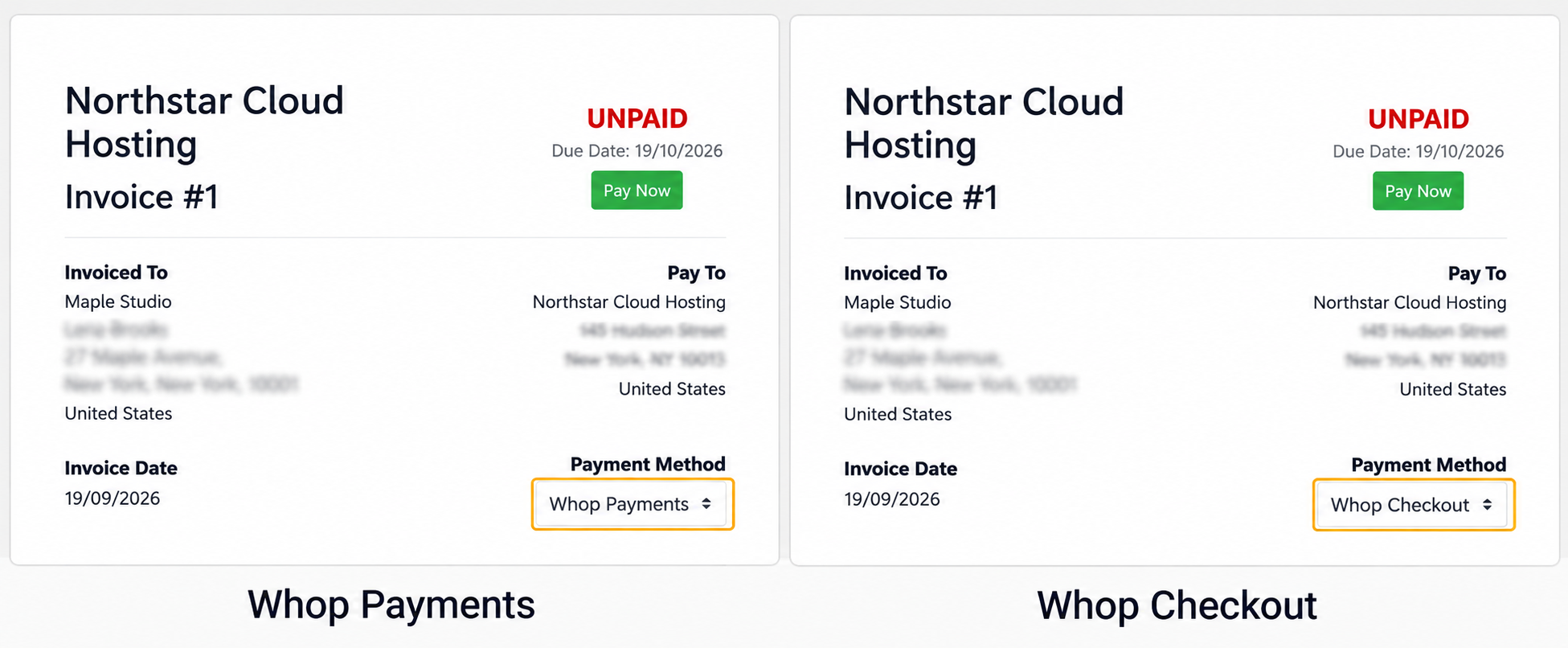
Sandbox: the same invoice can use Whop Payments or Whop Checkout.
Next: Meet Whop
Updated 16 days ago