
The two gateways side by side
Applies to: Whop Payments and Whop Checkout
Whop Payments for WHMCS is one module with one connection to Whop, the payment company that processes your invoices. Once you connect, WHMCS can offer your customers up to two payment choices on the same invoice: Whop Payments, a card form, and Whop Checkout, Whop's own checkout screen. You decide which ones to turn on. Both use the same Whop business and the same connection, so only what the customer sees, and what happens afterward, is different.
Comparison
| Whop Payments | Whop Checkout | |
|---|---|---|
| What the customer sees on the invoice | A card entry form next to the invoice details | A Pay Now button that opens Whop's checkout screen on its own page in your WHMCS theme, with an OR divider between wallet buttons and card fields |
| Payment methods | Cards only | The methods the business turned on in Whop, including PayPal and wallets, that Whop offers for that customer, amount and currency |
| Saves a card in WHMCS | Yes, once Whop confirms the card can be reused | No |
| Automatic renewal collection | Yes, WHMCS can charge the saved card on its own | No, the customer pays each invoice by hand |
| Apple Pay and Google Pay | Not offered | Yes, when the customer's device and browser support them |
| Local currency payments | Not offered | Yes, an optional setting |
| 3D Secure settings | Both 3D Secure settings apply | Only 3D Secure for payments applies |
| Refunds from WHMCS | Refund the invoice in WHMCS; Whop returns the money | Refund the invoice in WHMCS; Whop returns the money |
| What WHMCS records | A transaction with the Whop payment ID, the fee, and the invoice marked Paid | A transaction with the Whop payment ID, the fee, and the invoice marked Paid |
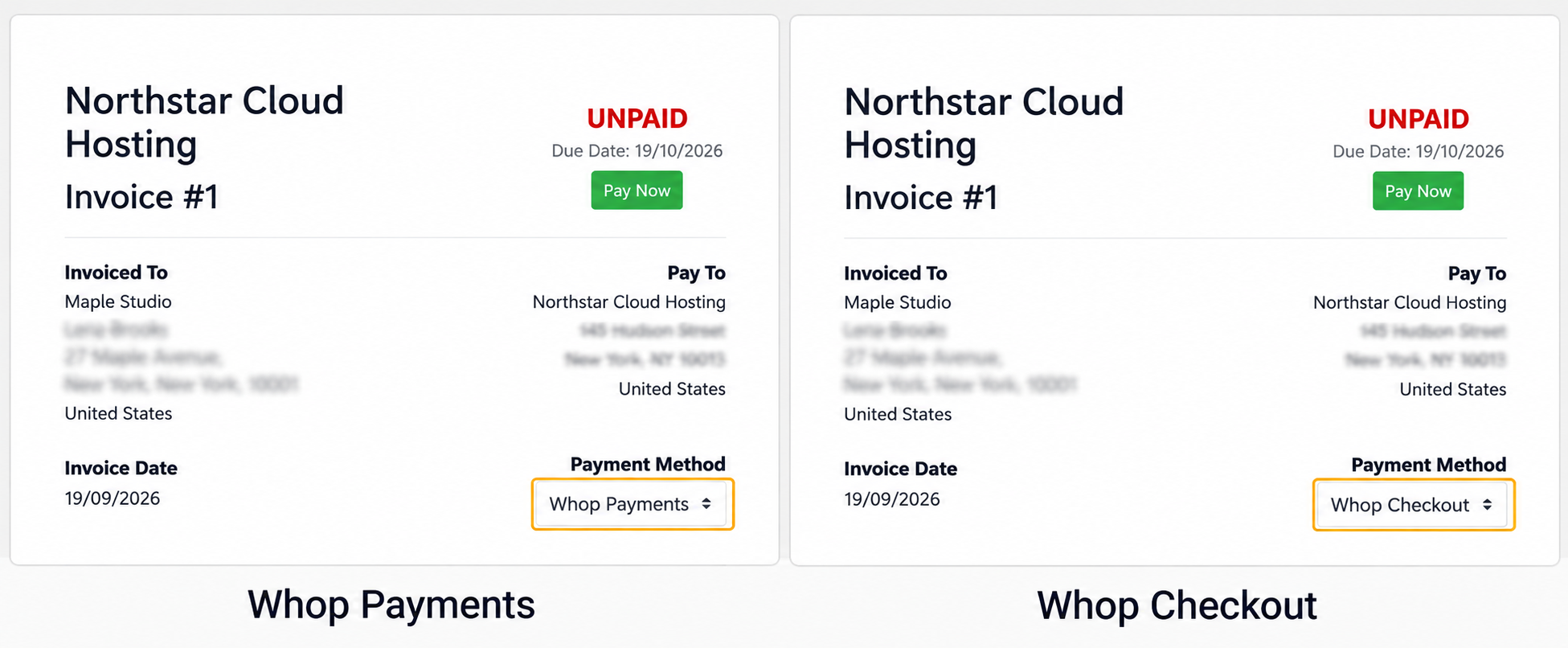
Sandbox: the same invoice can use Whop Payments or Whop Checkout.
When to offer which
Offer Whop Payments to customers on recurring invoices, such as a hosting plan. Once a reusable card is listed in Payment Methods, WHMCS can collect renewals automatically. Confirm that card-saving and collection work in your environment before relying on them; see Saved cards and automatic payments. Offer Whop Checkout for one-off purchases, or for customers who want PayPal, a wallet, or a bank method. Most installations turn on both and let the customer choose on the invoice.
What they share
Whop Payments and Whop Checkout are two faces of one connection. They share:
- One connection to your Whop business.
- One environment choice, Sandbox or Live, that applies to every new payment on both gateways.
- The 3D Secure for payments setting, a bank identity check on card payments.
- The same accounting, and the same refund and dispute handling, once a payment is made.
What each one is not for
Whop Checkout never saves a card and never collects a renewal by itself. Every Whop Checkout payment needs the customer present. Whop Payments never shows anything but a card, so a customer who wants PayPal or a wallet needs Whop Checkout instead.
Example
Priya runs a monthly hosting plan for a client. The client pays the first invoice with Whop Payments using a new card. Priya confirms that it appears as a reusable Pay Method and tests collection before enabling automatic renewals. Later, the same client buys a one-off SSL certificate and chooses Whop Checkout to use another available payment method.
Related: Paying an invoice, Saved cards and automatic payments, Settings reference.
Updated 16 days ago